
Generation · Editing · Typography

Use GPT Image 2 for images that must follow the brief

Explore prompt patterns for readable text, reference composition, product work, controlled edits, consistent characters, and visual communication.
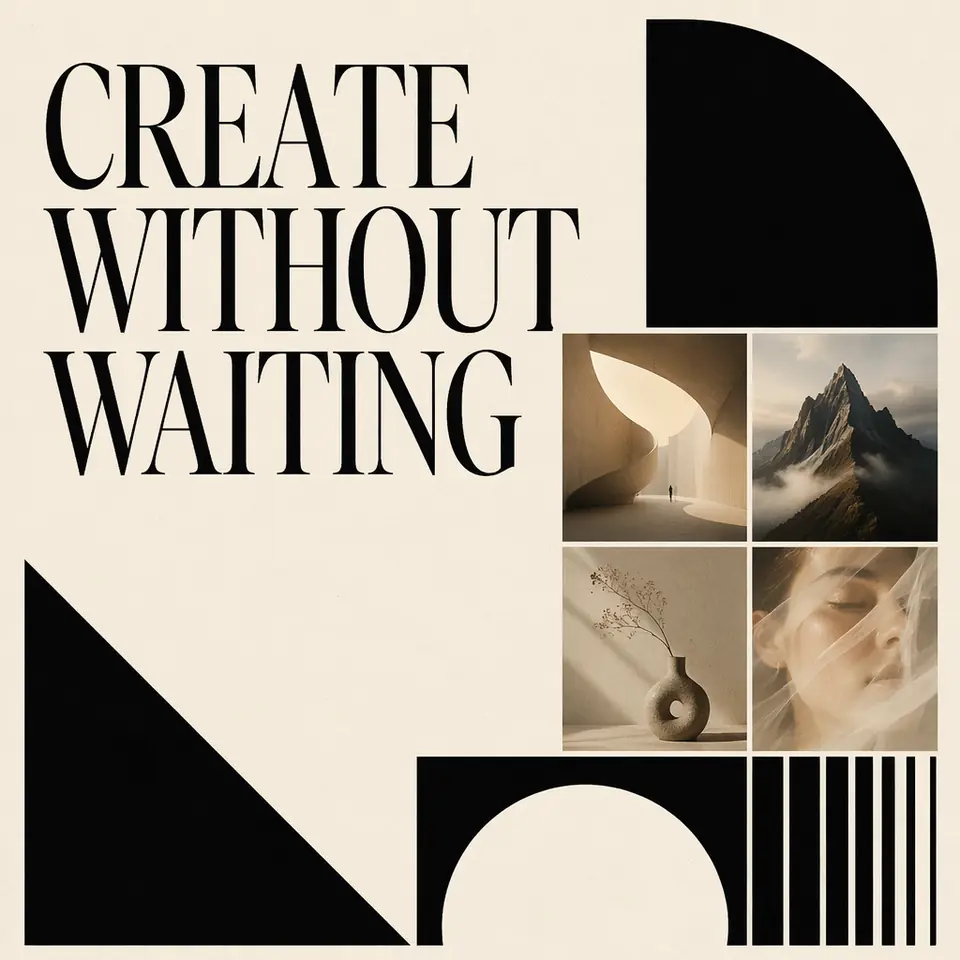
Readable poster generated with GPT Image 2
Try it now

GPT Image 2

Clear inputs

A concrete visual brief, optional references, required text, composition, constraints, and intended use.

Useful output

Brief-driven image generations and edits with strong instruction following.

One GizAI workflow

GPT Image 2 generation and editing stays connected to your conversations, files, and generated media.

How it works

A direct path from input to useful output

  1. 1

    Describe the result

    Start with a concrete visual brief, optional references, required text, composition, constraints, and intended use.

  2. 2

    Choose the right AI

    Select a live model and review its current inputs, limits, and usage basis.

  3. 3

    Create and continue

    Generate brief-driven image generations and edits with strong instruction following. Keep refining it in the same workspace.

Use cases

Built for work that continues after the first result

Readable design

Posters, menus, UI mockups, infographics, slides, and campaign visuals with required text.

Controlled editing

Object replacement, cleanup, relighting, localization, virtual try-on, and reference composition.

Narrative consistency

Character sheets, comics, game screens, film posters, and multi-image visual systems.

Examples

A broad set of real visual directions

GPT Image 2 readable launch poster example
Readable Launch Poster
GPT Image 2 duct tape product ad example
Duct Tape Product Ad
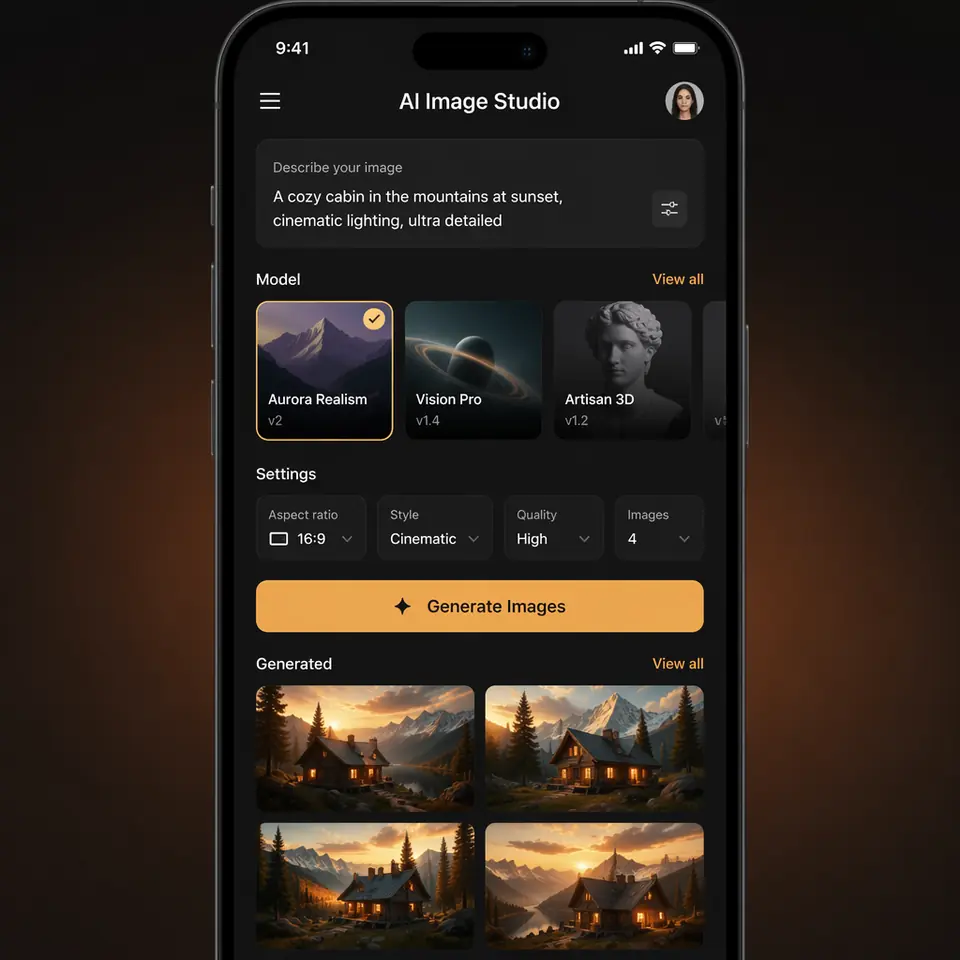
GPT Image 2 app ui mockup example
App Ui Mockup
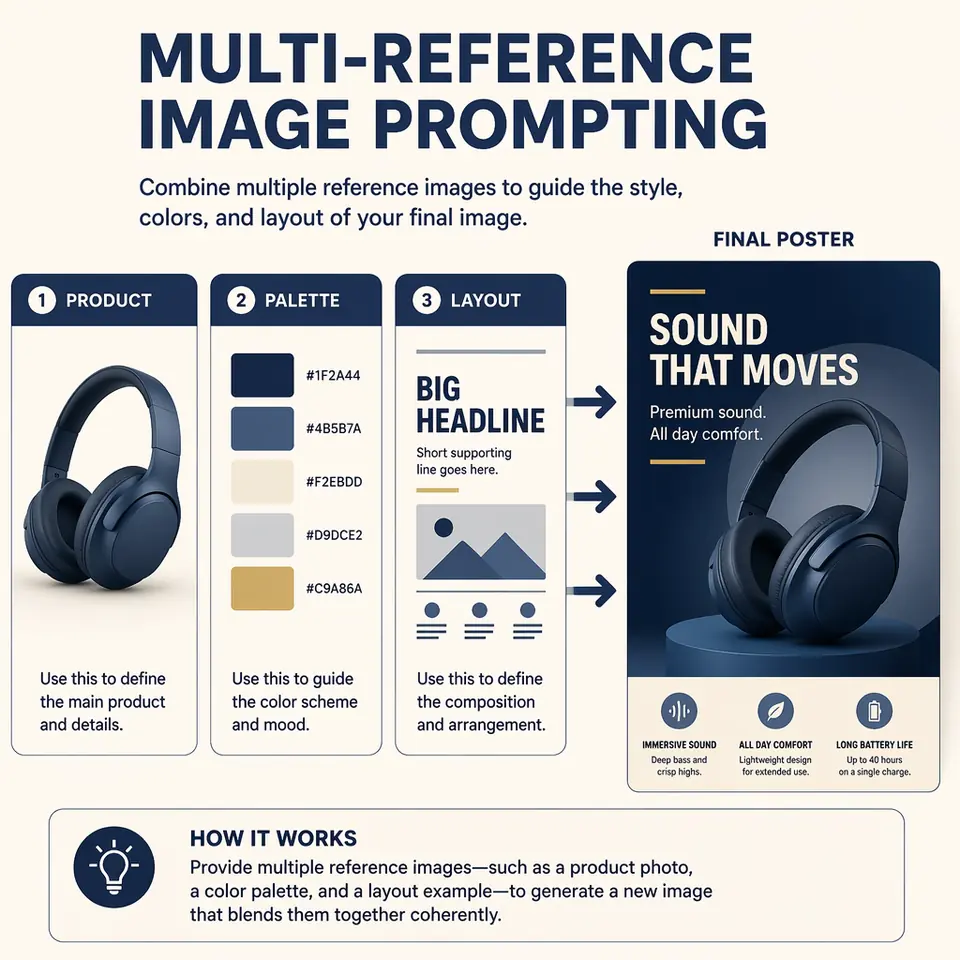
GPT Image 2 multi reference composition example
Multi Reference Composition
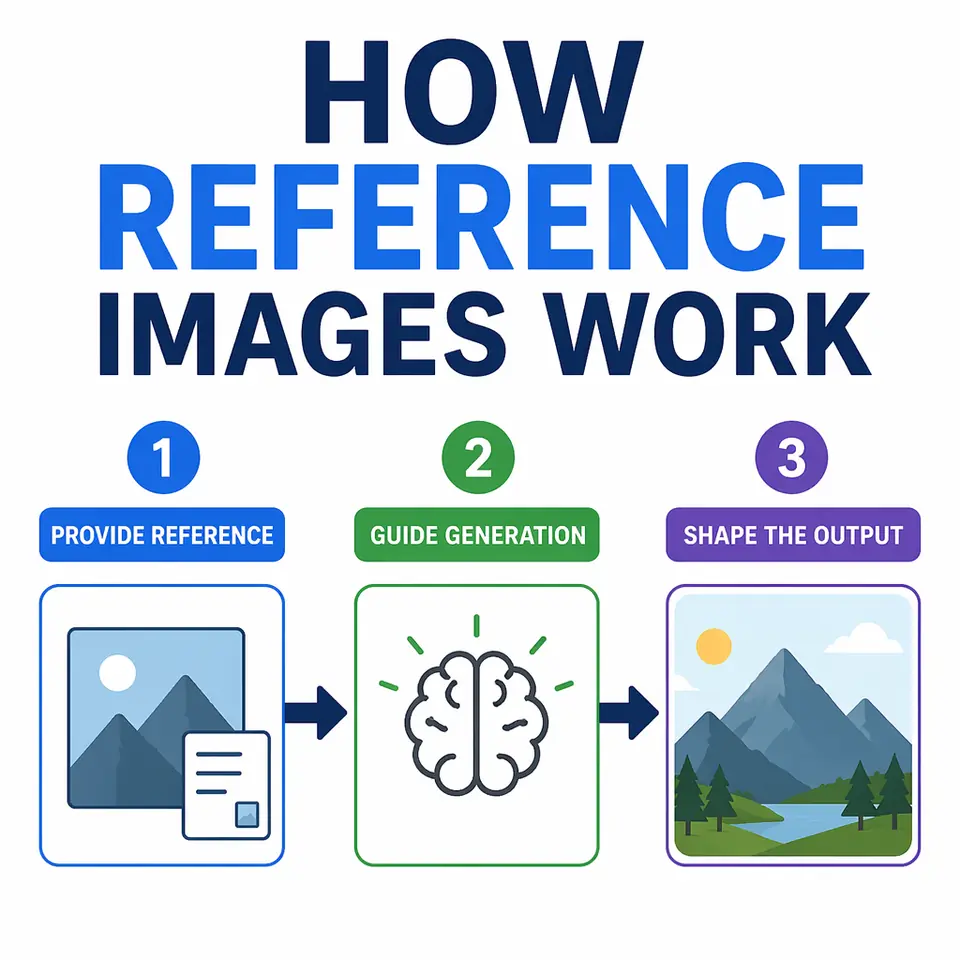
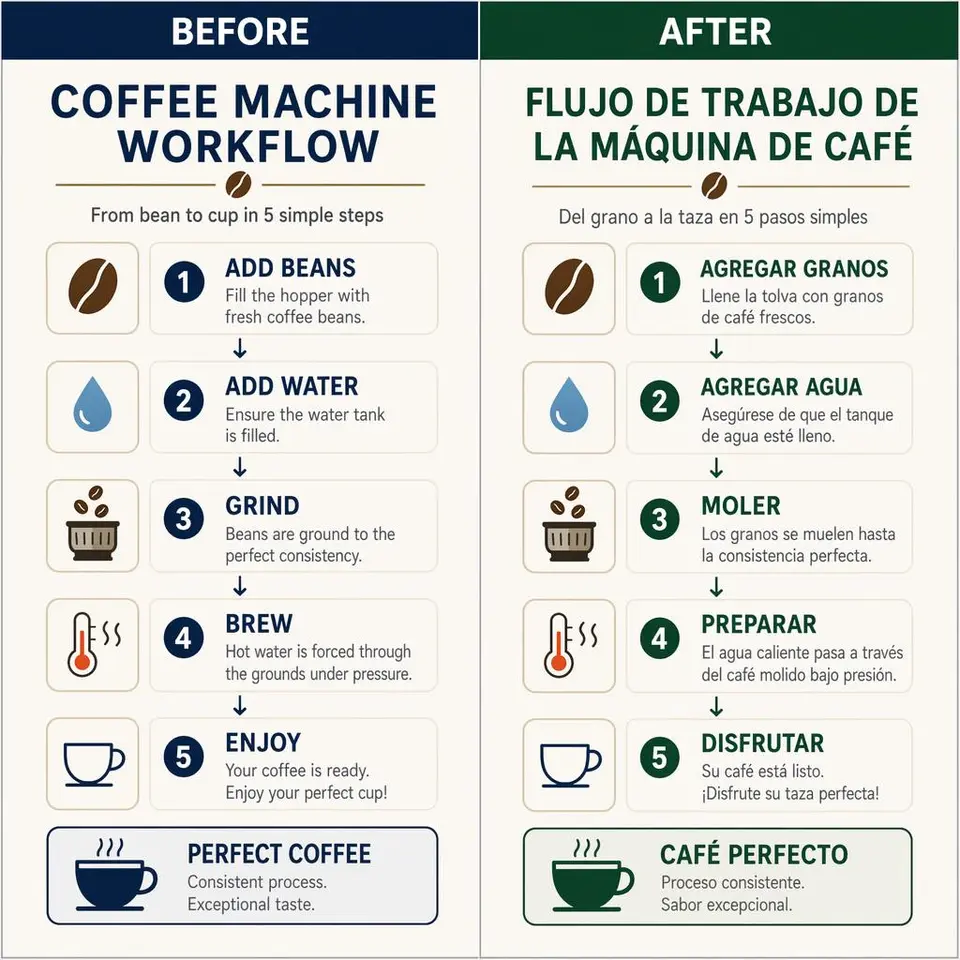
GPT Image 2 educational infographic example
Educational Infographic
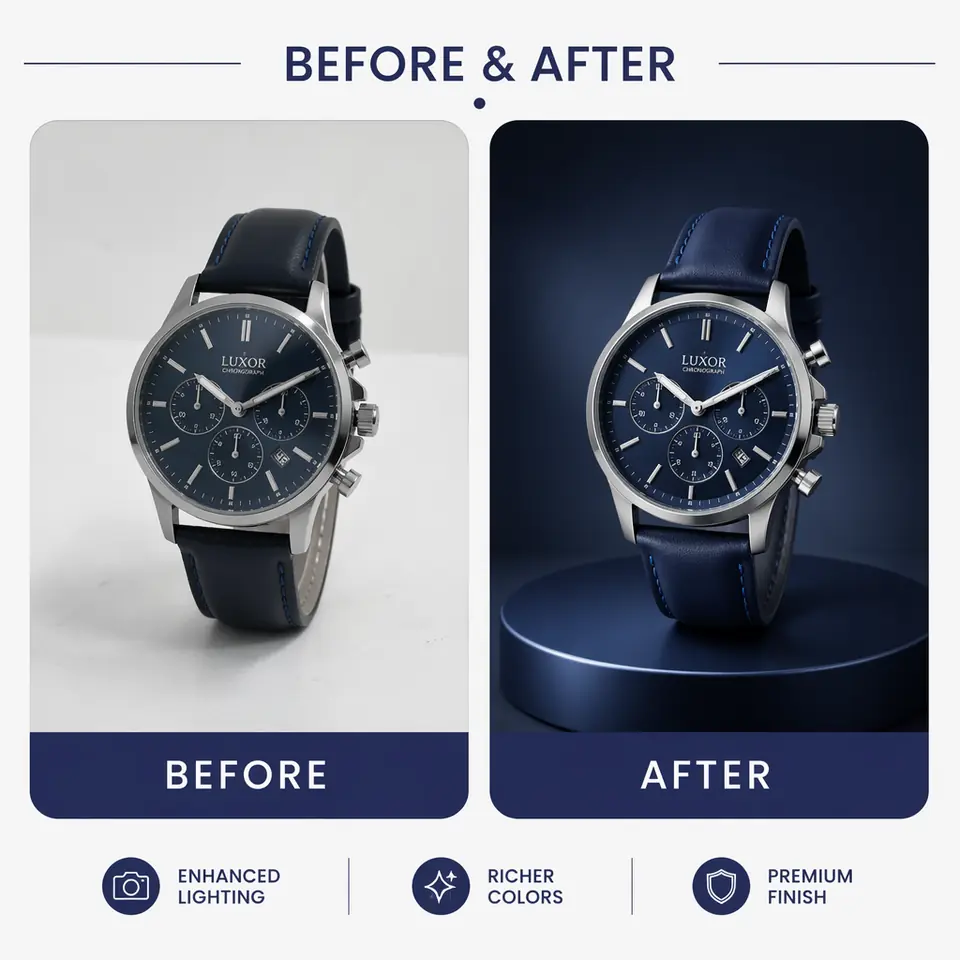
GPT Image 2 controlled edit example
Controlled Edit
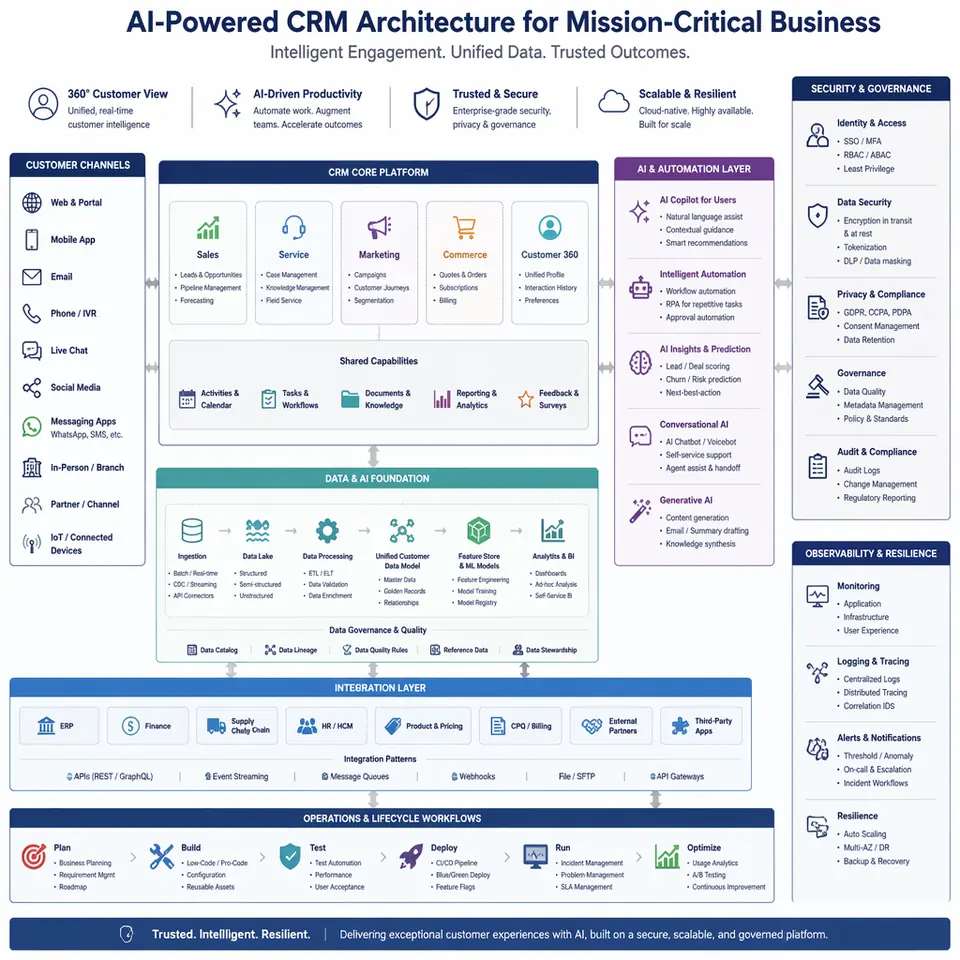
GPT Image 2 enterprise crm architecture example
Enterprise Crm Architecture
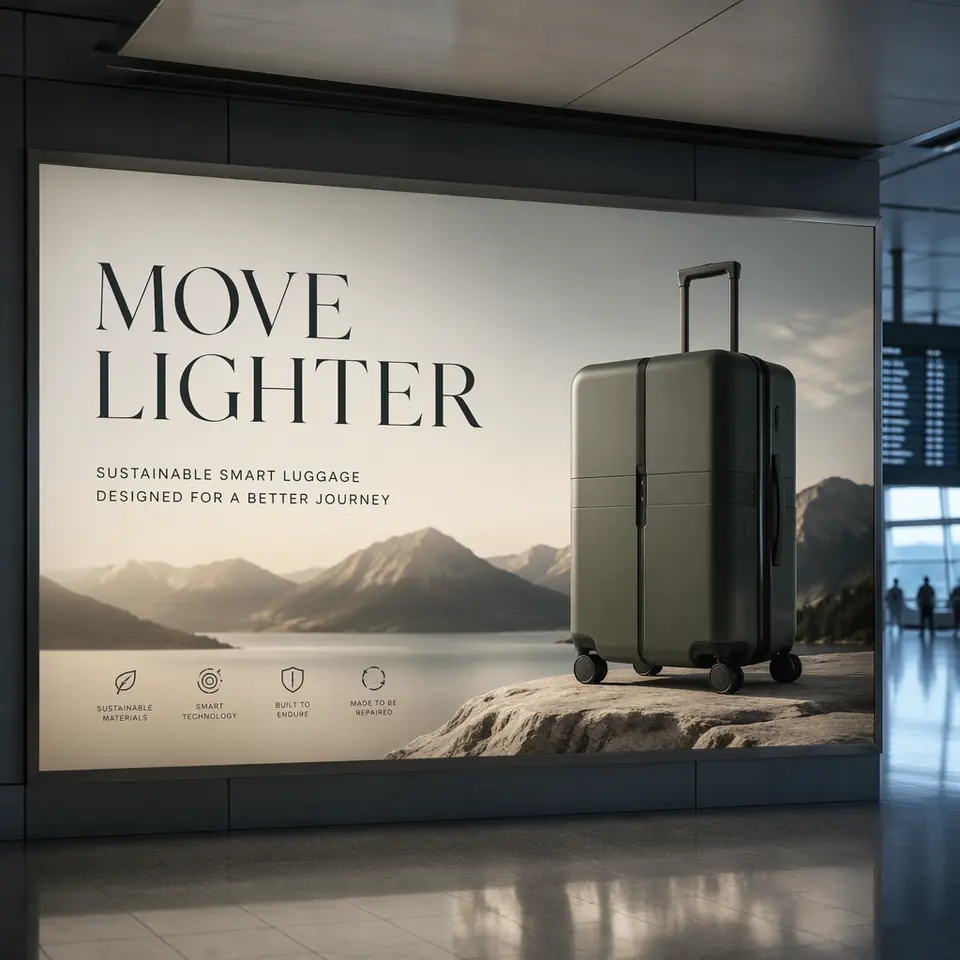
GPT Image 2 brand campaign billboard example
Brand Campaign Billboard
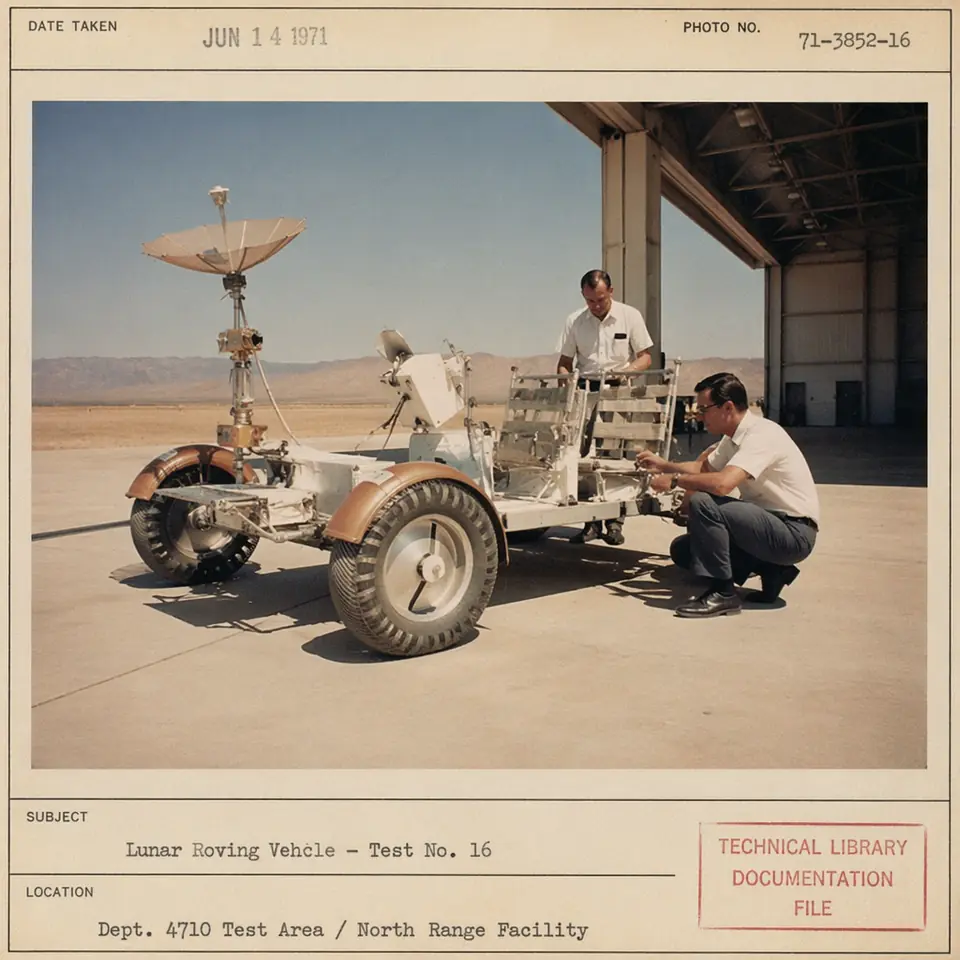
GPT Image 2 vintage lunar archive example
Vintage Lunar Archive
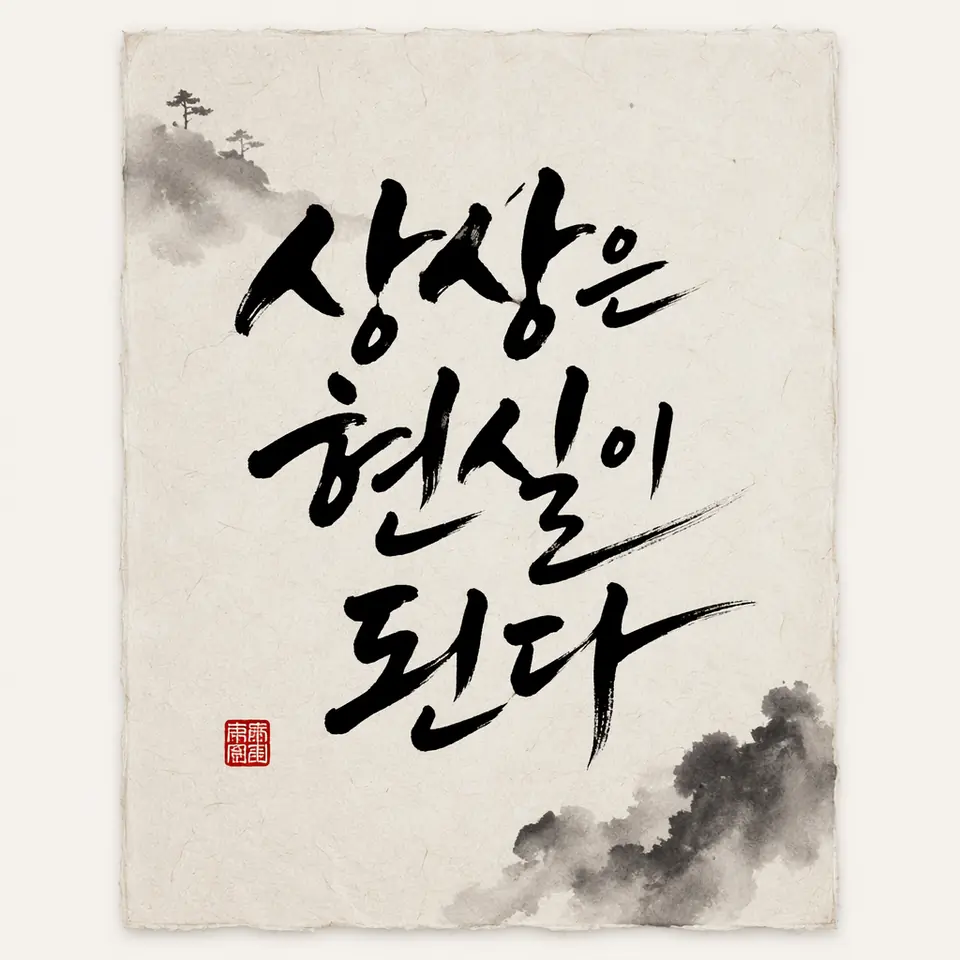
GPT Image 2 calligraphy poster example
Calligraphy Poster
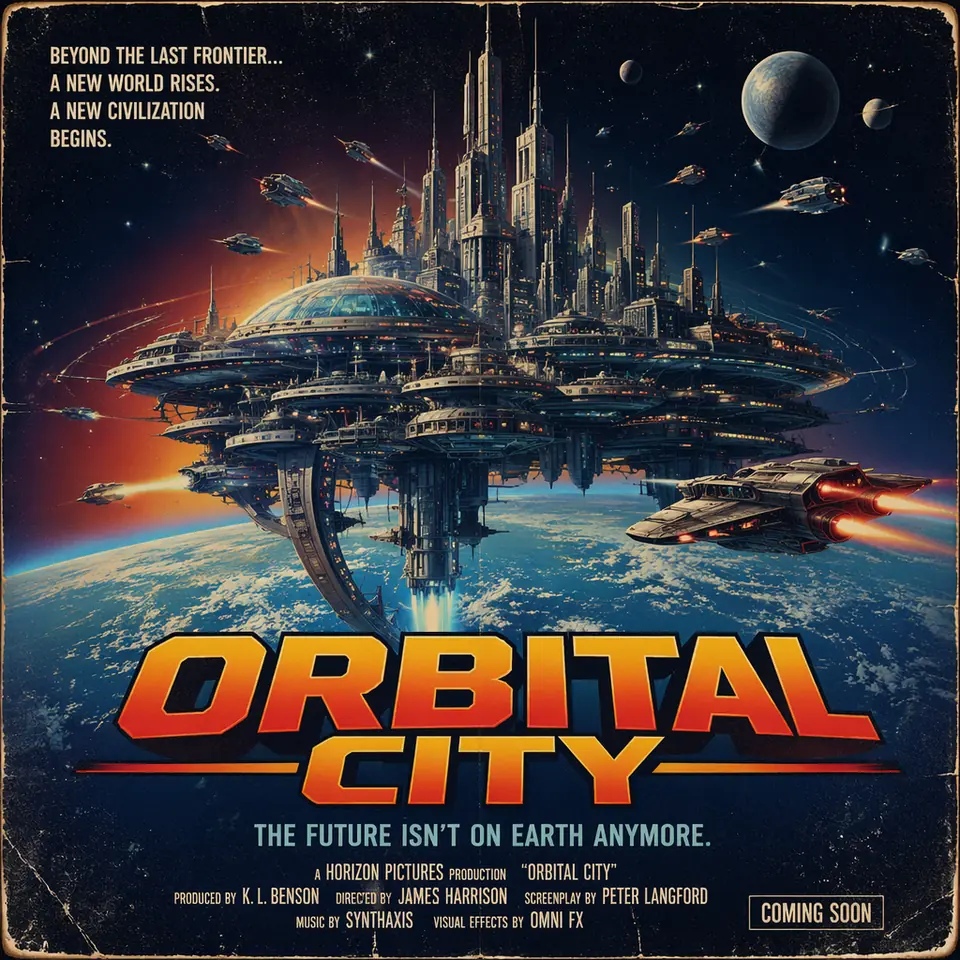
GPT Image 2 fictional film poster example
Fictional Film Poster
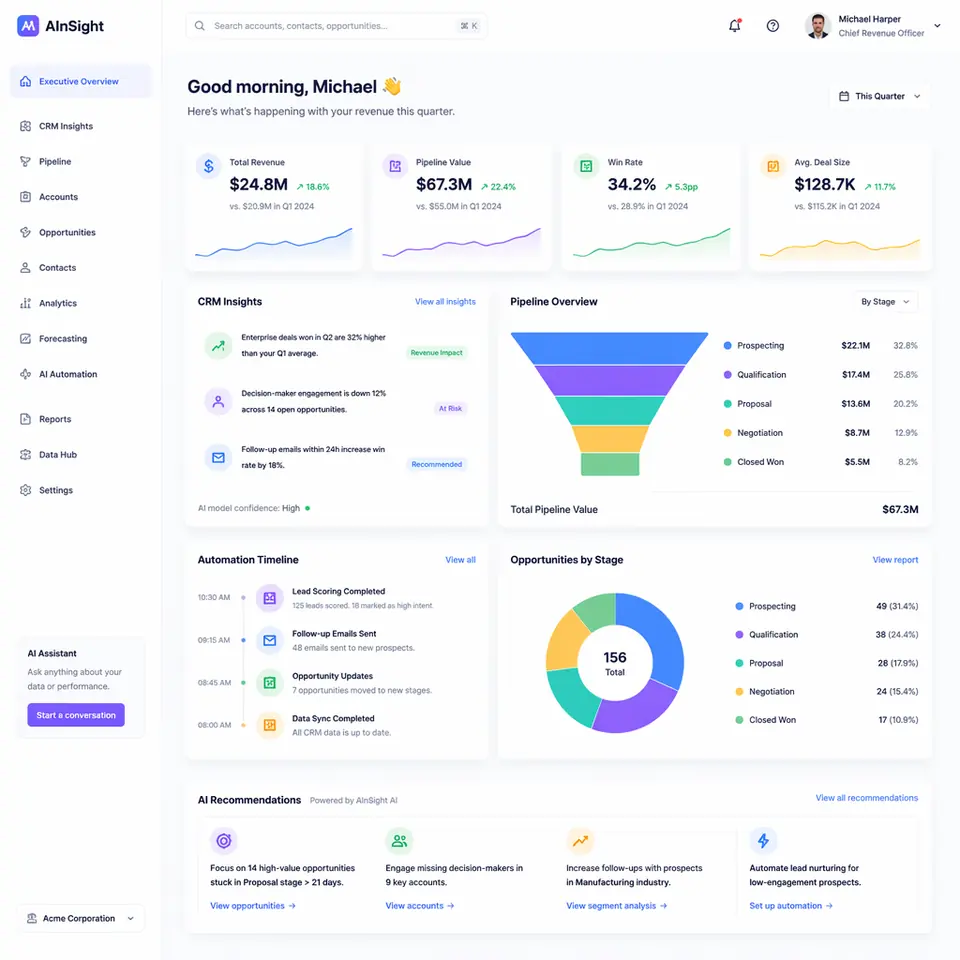
GPT Image 2 website ui dashboard example
Website Ui Dashboard
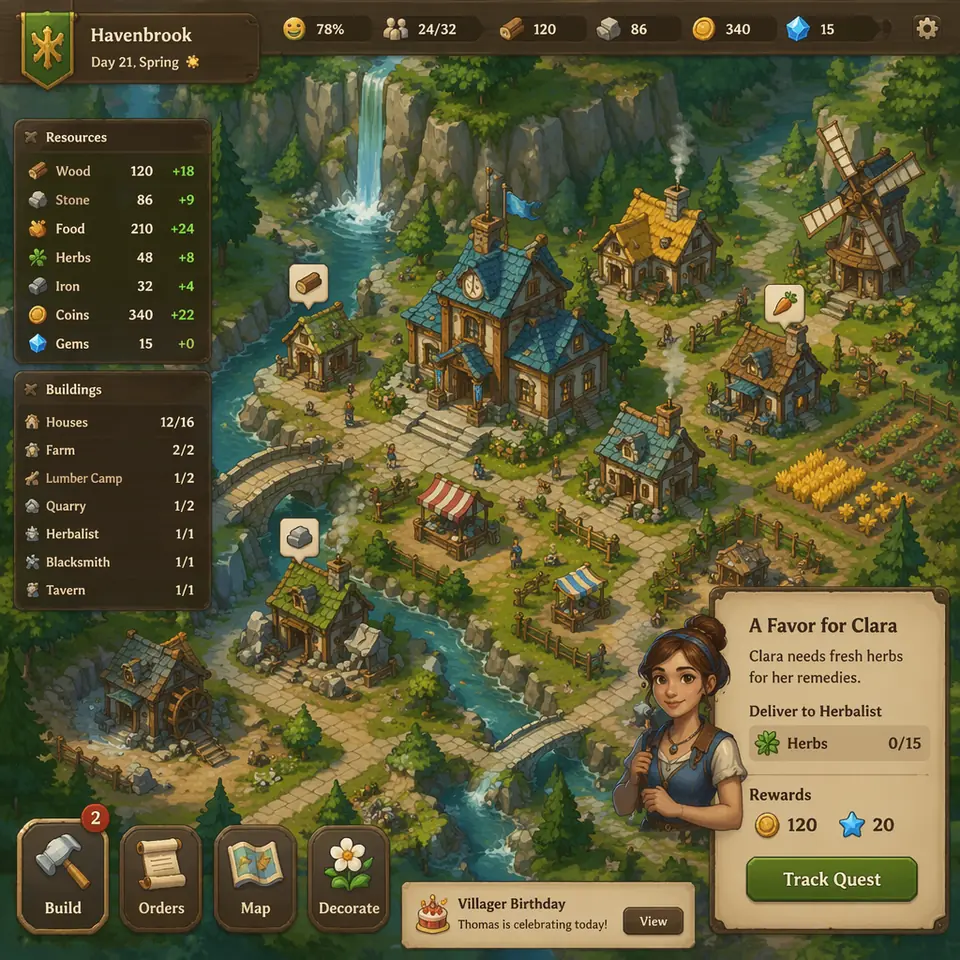
GPT Image 2 fictional game screen example
Fictional Game Screen
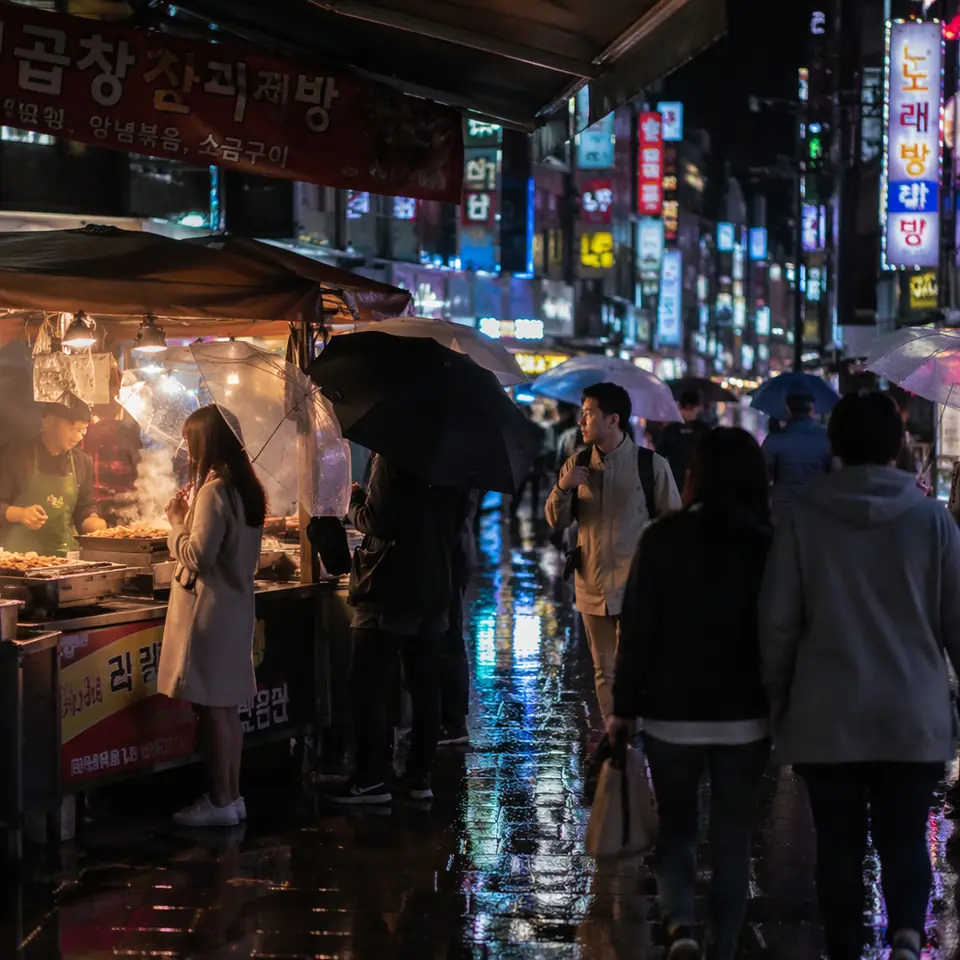
GPT Image 2 street photo night market example
Street Photo Night Market
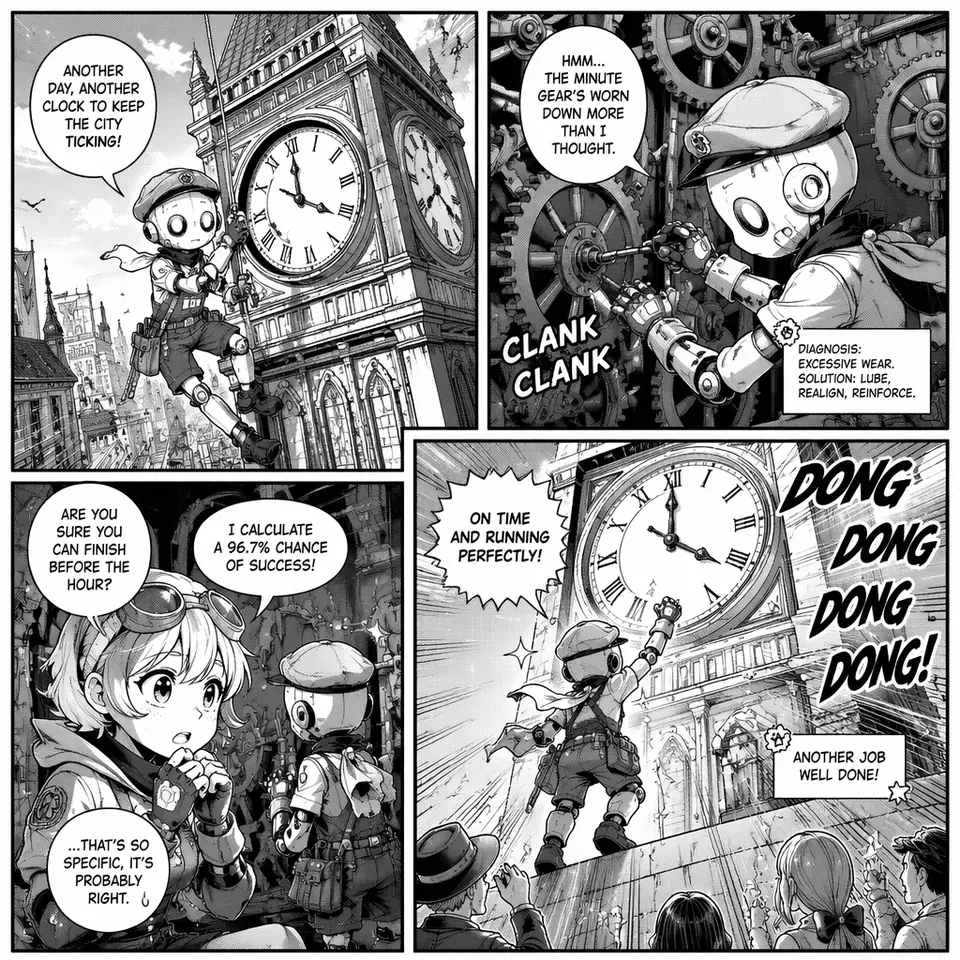
GPT Image 2 fictional manga page example
Fictional Manga Page
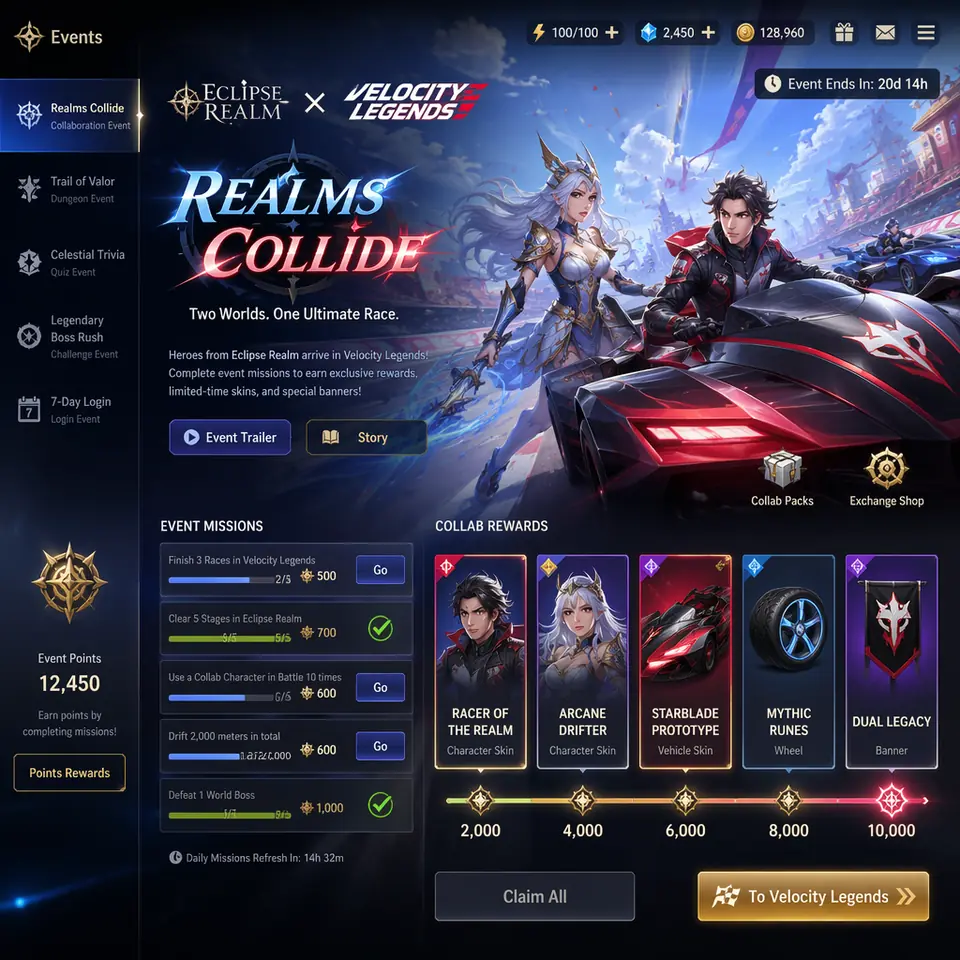
GPT Image 2 game collab ingame example
Game Collab Ingame
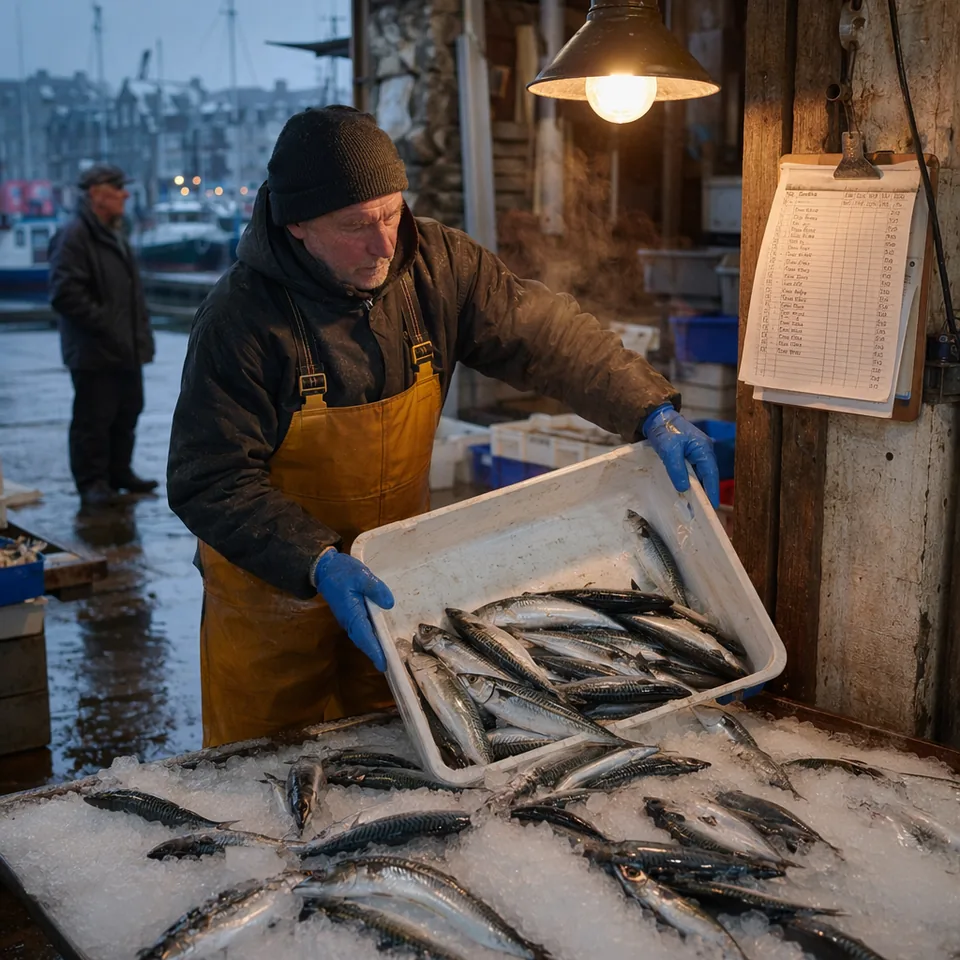
GPT Image 2 photoreal editorial fishmonger example
Photoreal Editorial Fishmonger
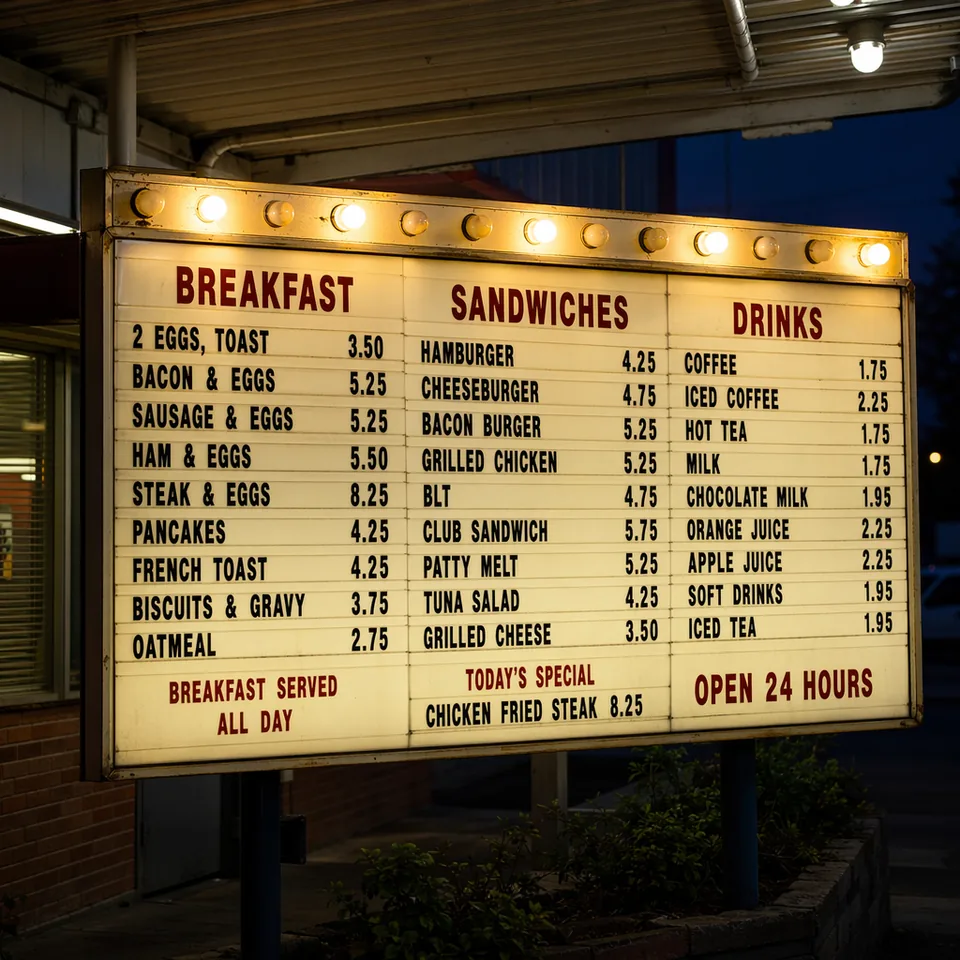
GPT Image 2 readable menu board example
Readable Menu Board
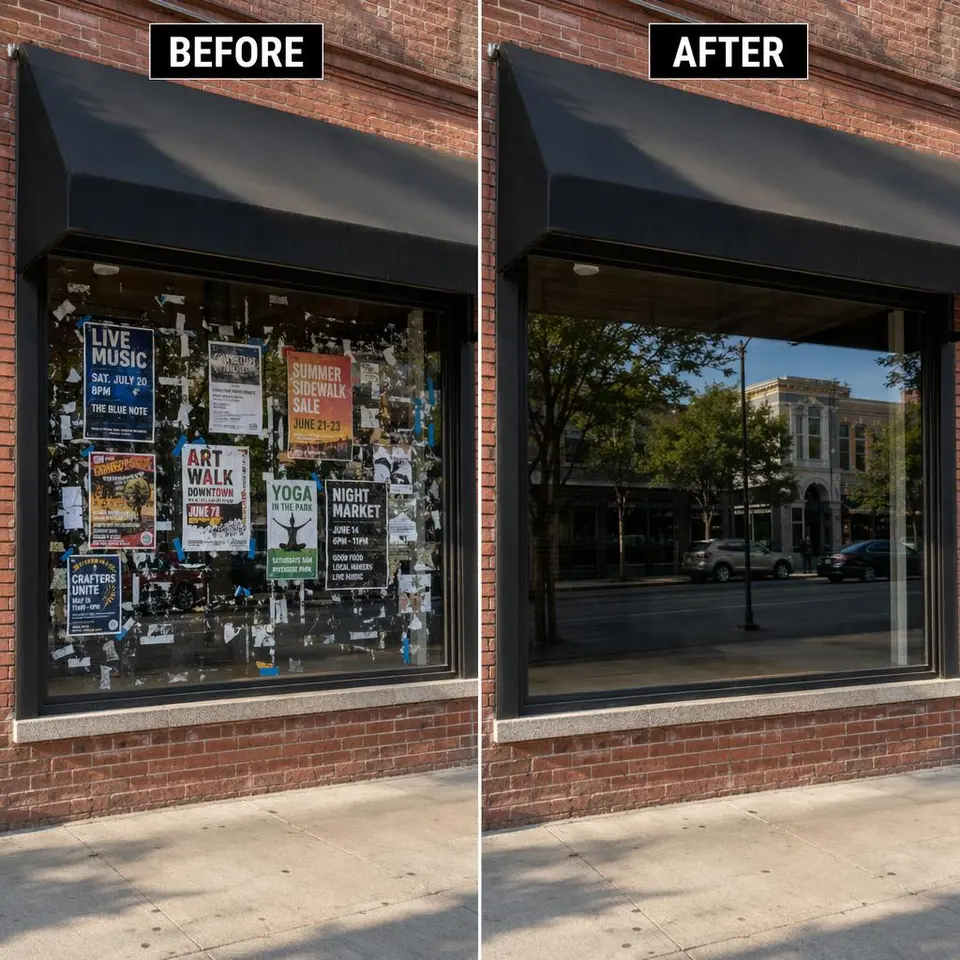
GPT Image 2 cleanup edit storefront example
Cleanup Edit Storefront
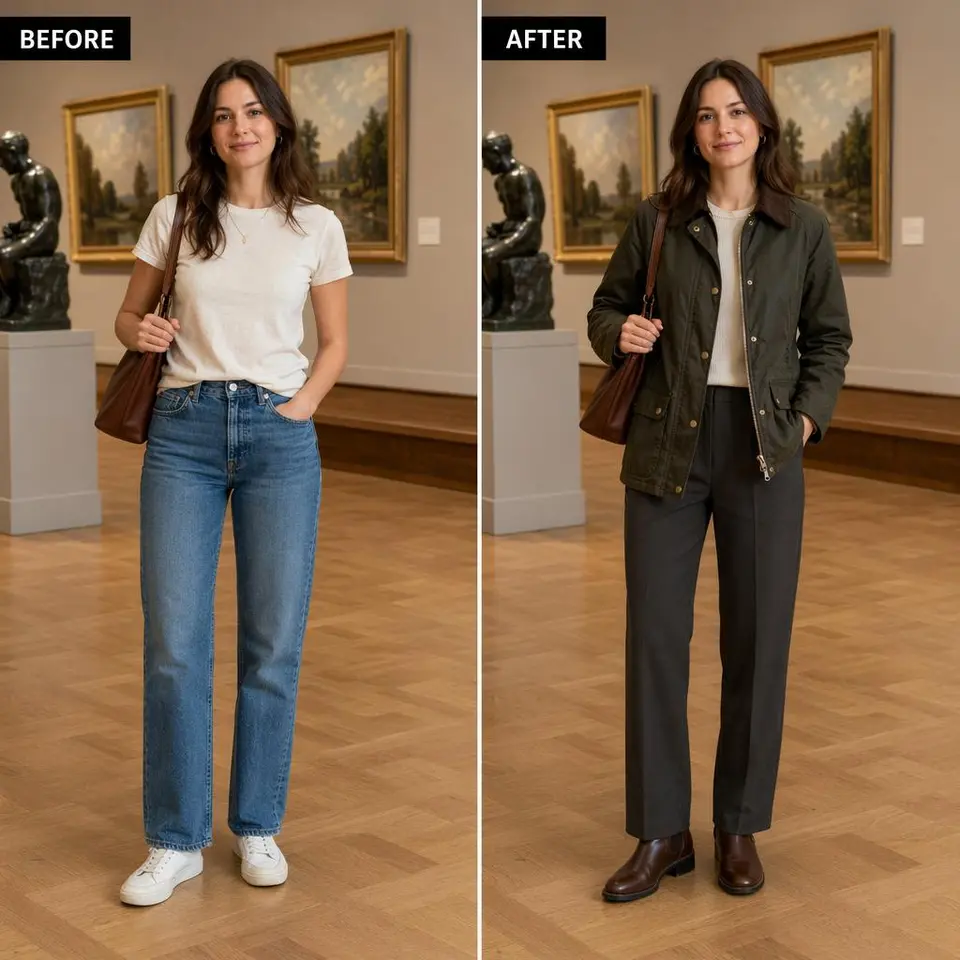
GPT Image 2 virtual tryon outfit example
Virtual Tryon Outfit
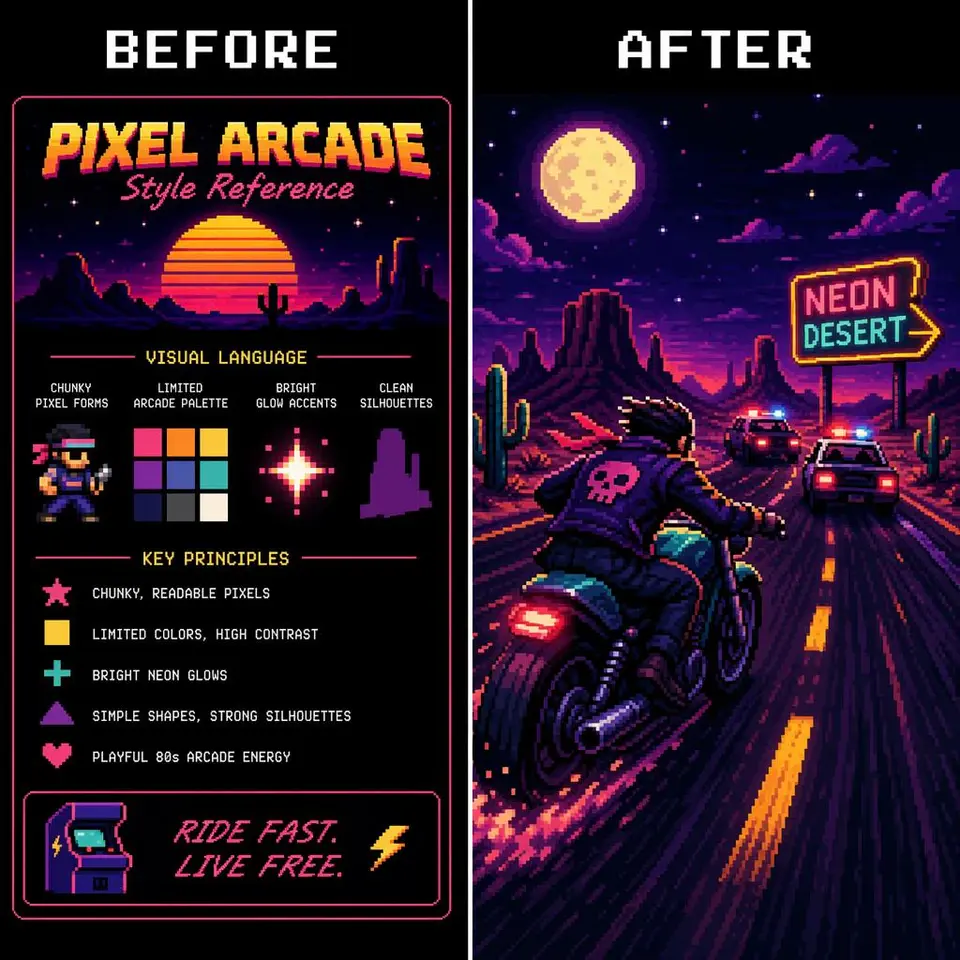
GPT Image 2 style transfer pixel motorcycle example
Style Transfer Pixel Motorcycle
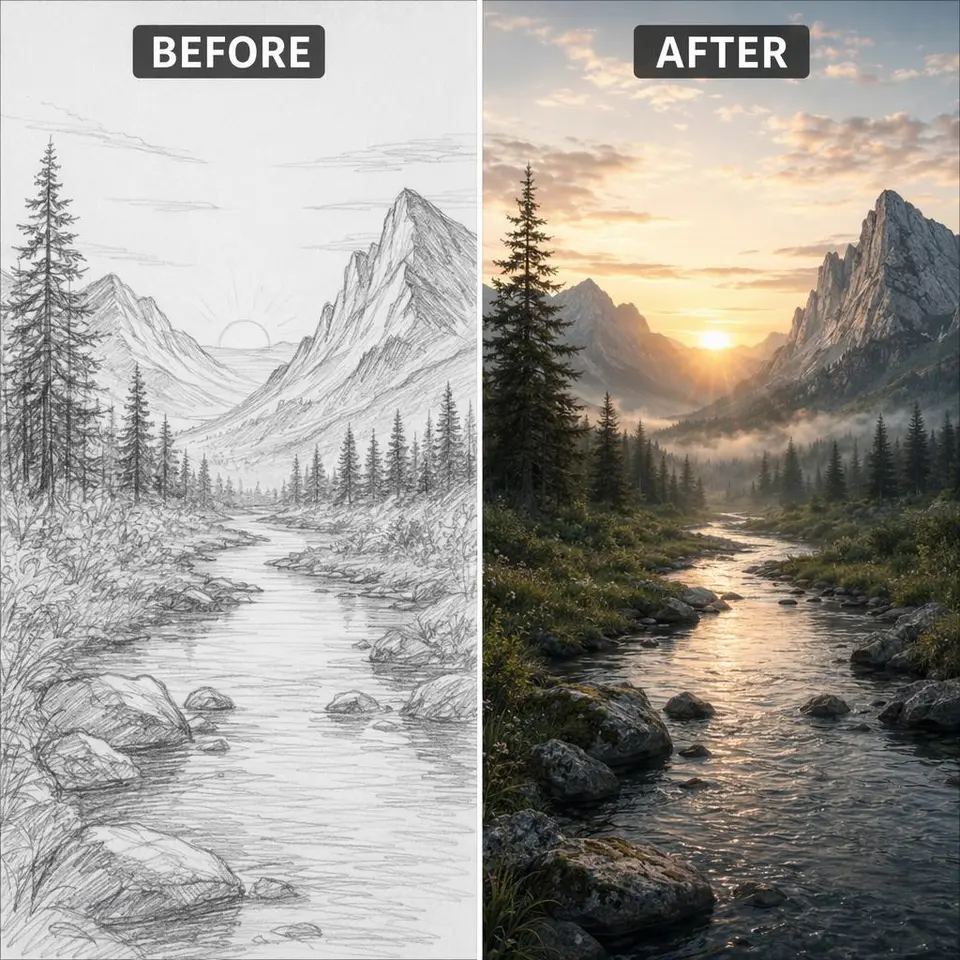
GPT Image 2 sketch to photoreal landscape example
Sketch To Photoreal Landscape
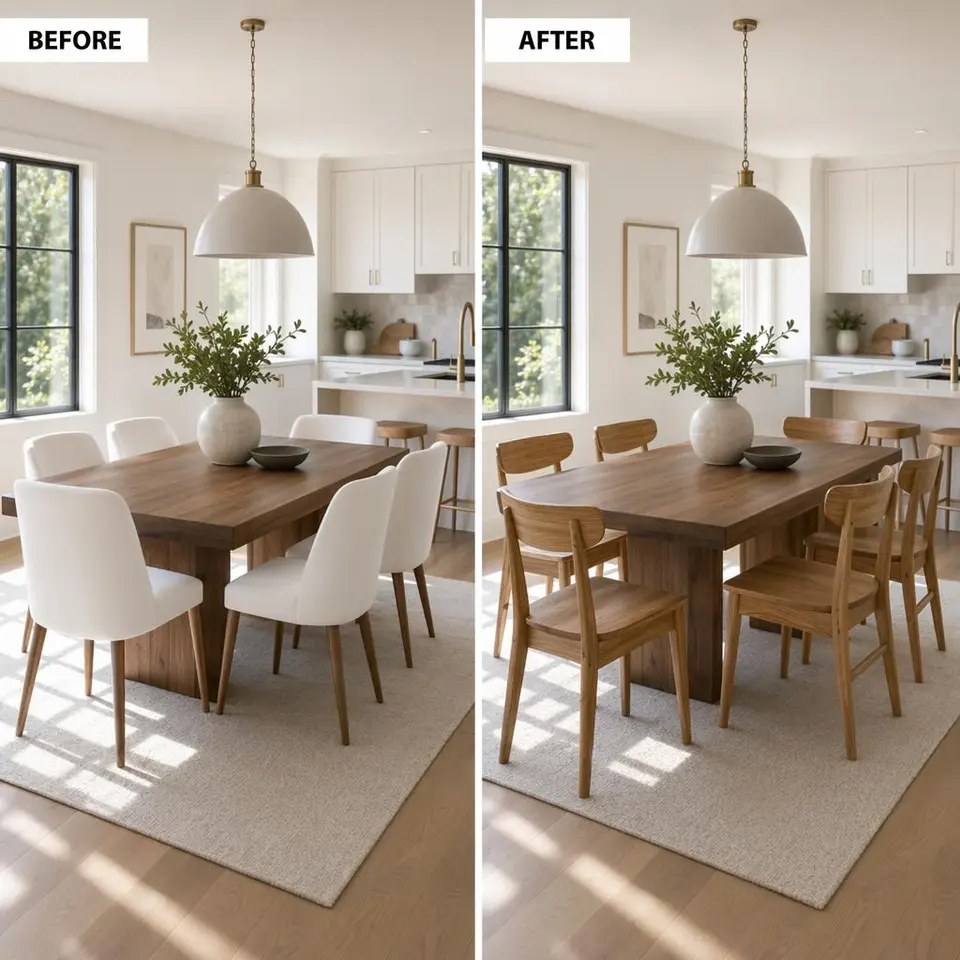
GPT Image 2 interior object swap example
Interior Object Swap
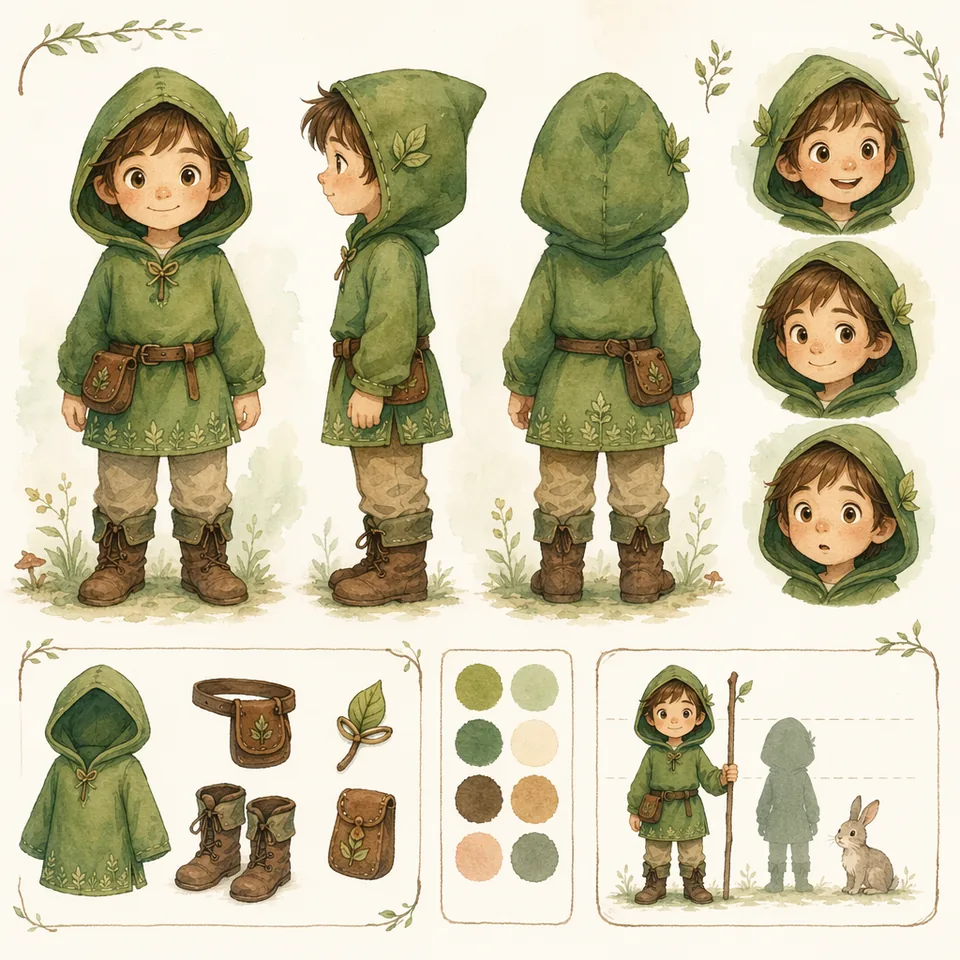
GPT Image 2 character consistency sheet example
Character Consistency Sheet
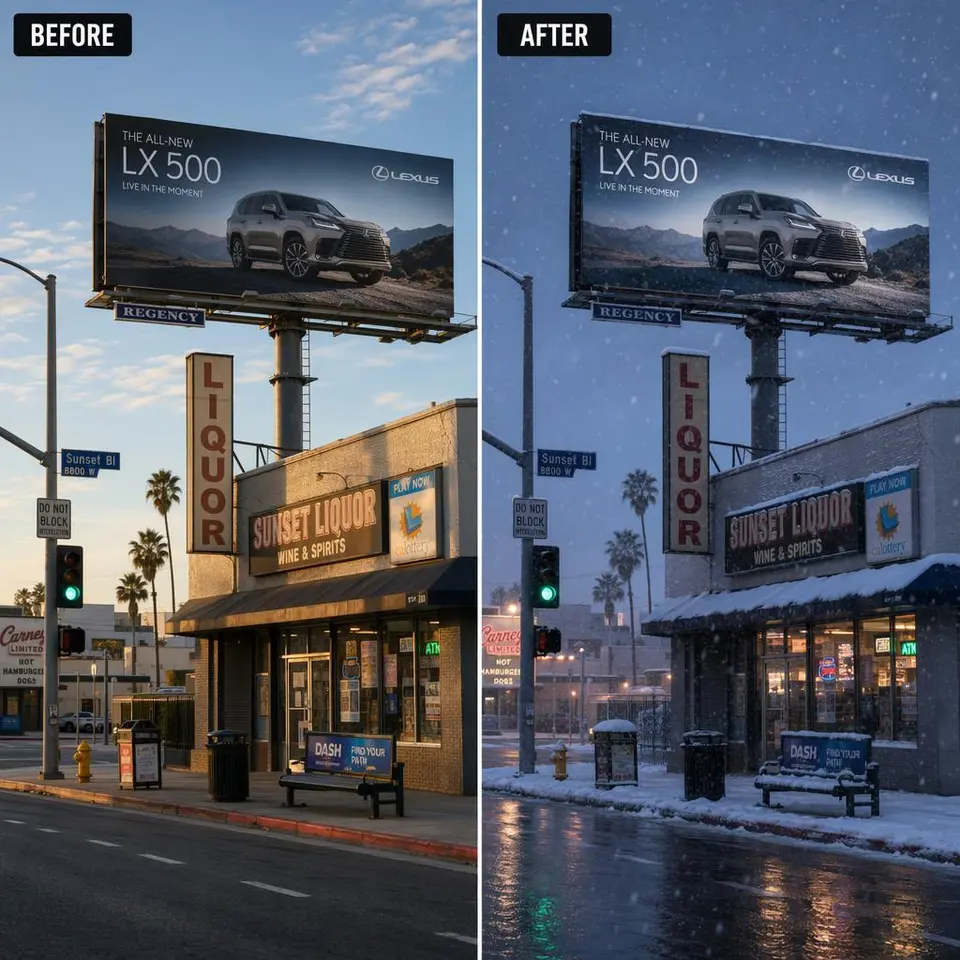
GPT Image 2 weather lighting edit example
Weather Lighting Edit
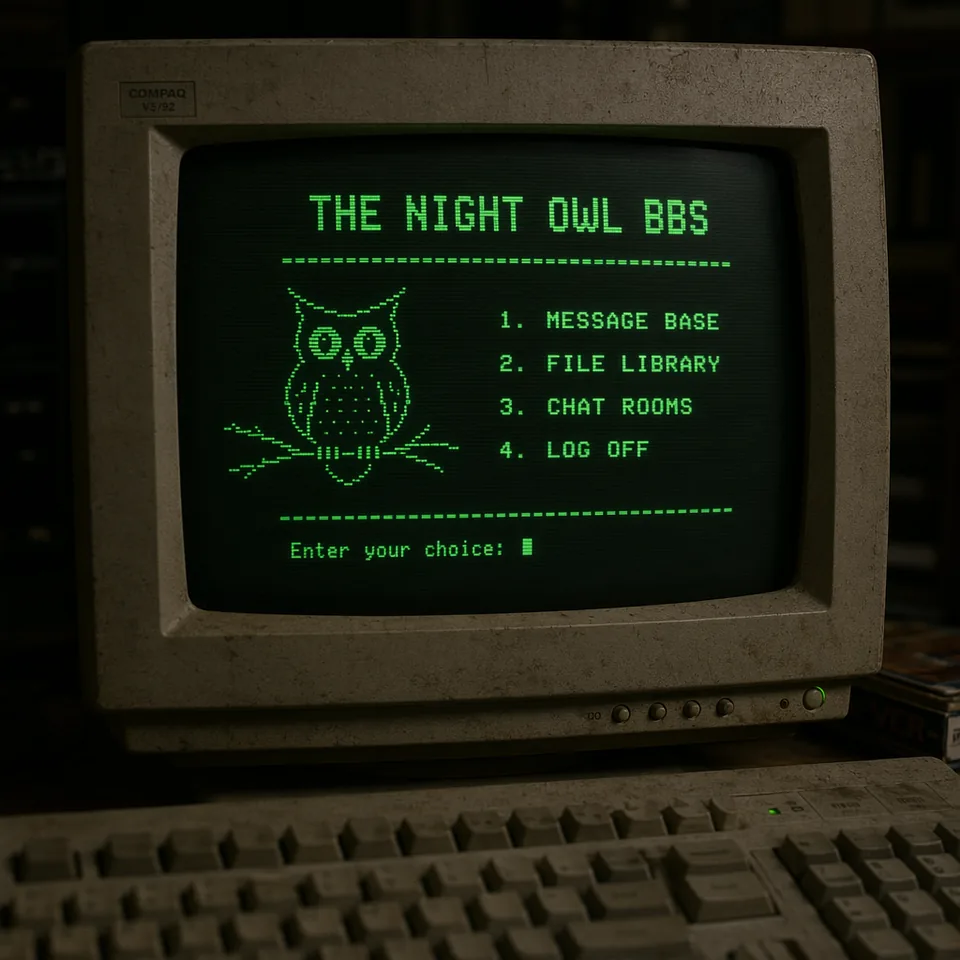
GPT Image 2 retro terminal screen example
Retro Terminal Screen
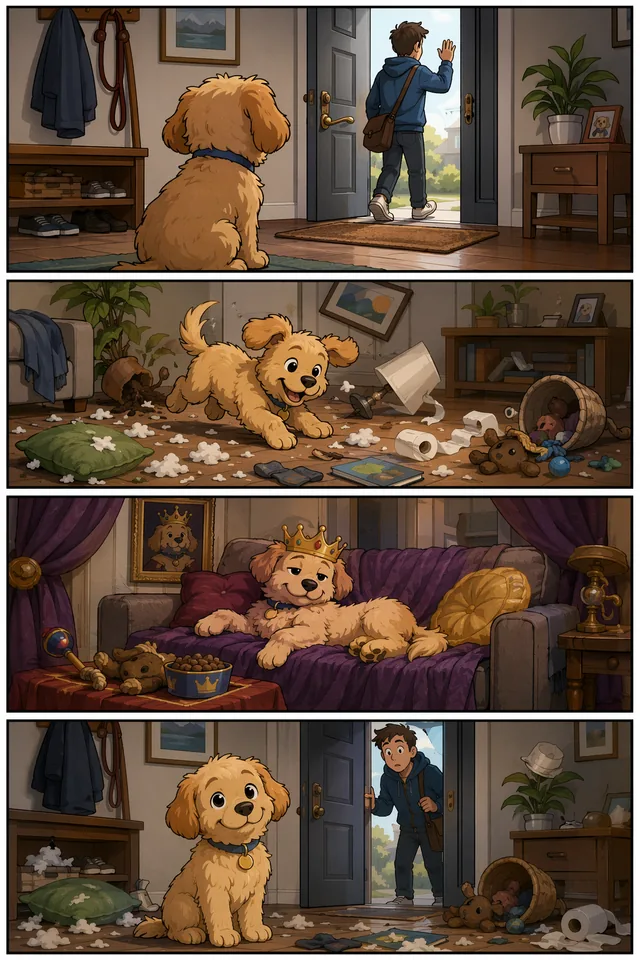
GPT Image 2 four panel comic example
Four Panel Comic
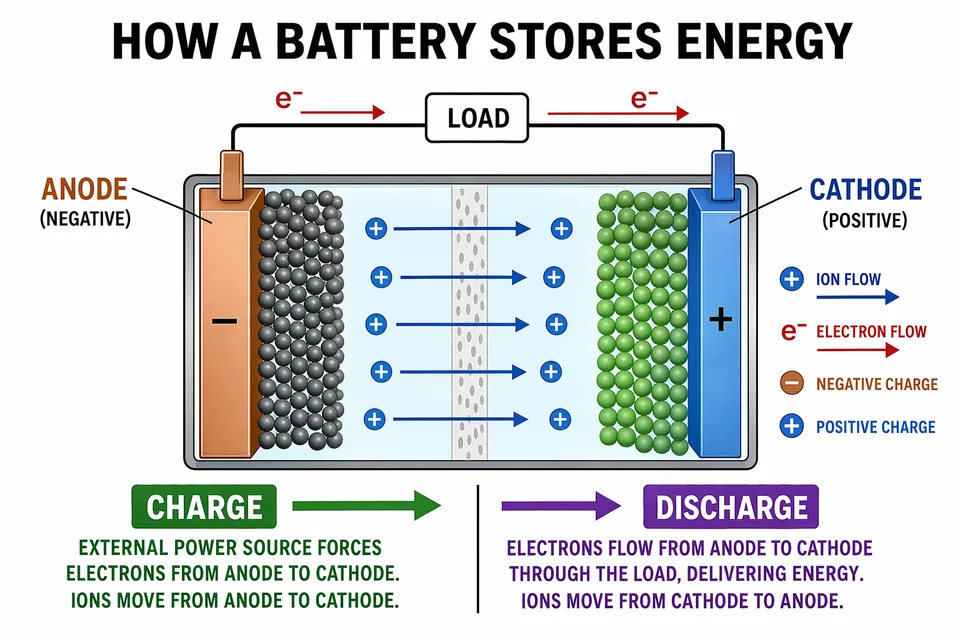
GPT Image 2 scientific battery slide example
Scientific Battery Slide
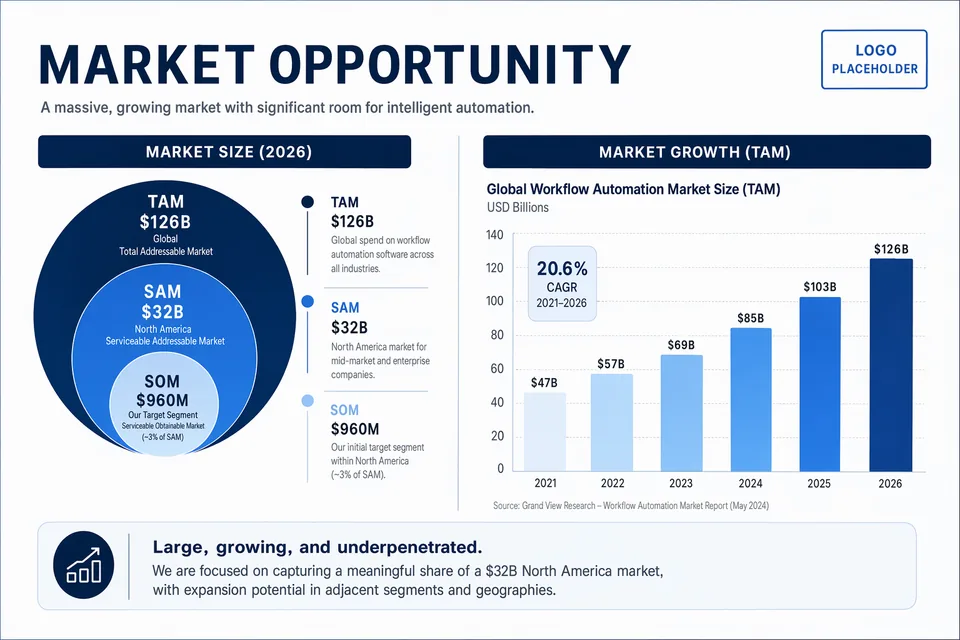
GPT Image 2 pitch deck market slide example
Pitch Deck Market Slide
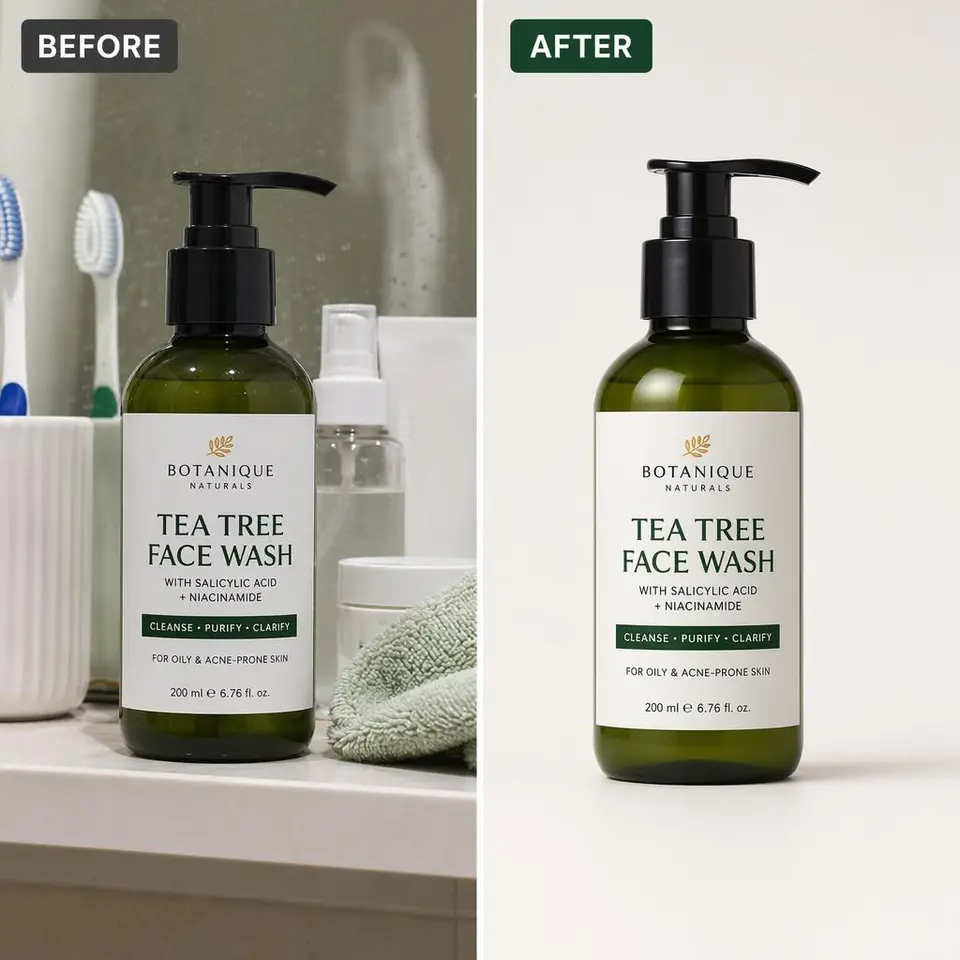
GPT Image 2 product cutout relight example
Product Cutout Relight
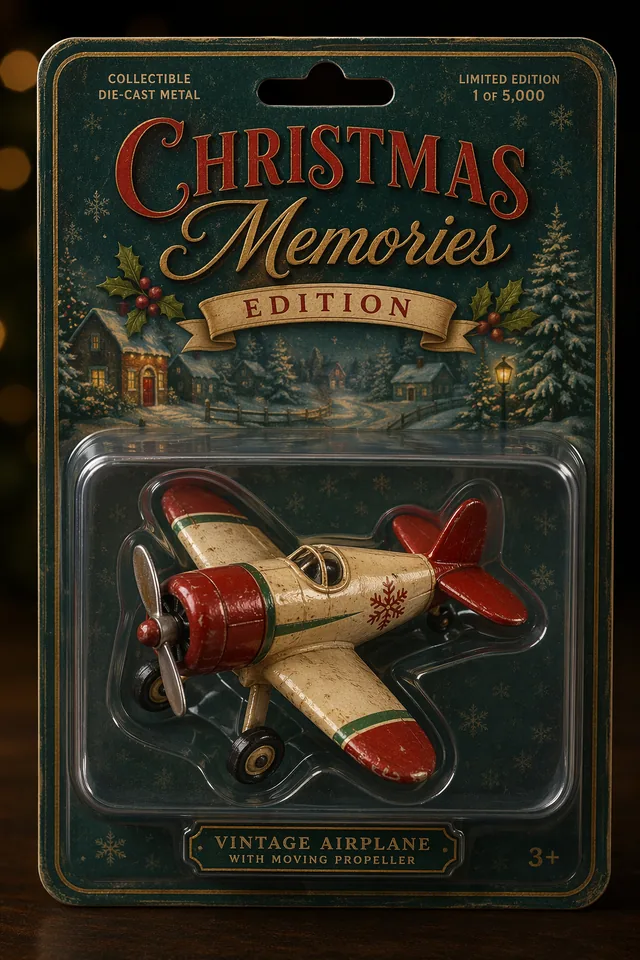
GPT Image 2 packaging mockup toy airplane example
Packaging Mockup Toy Airplane
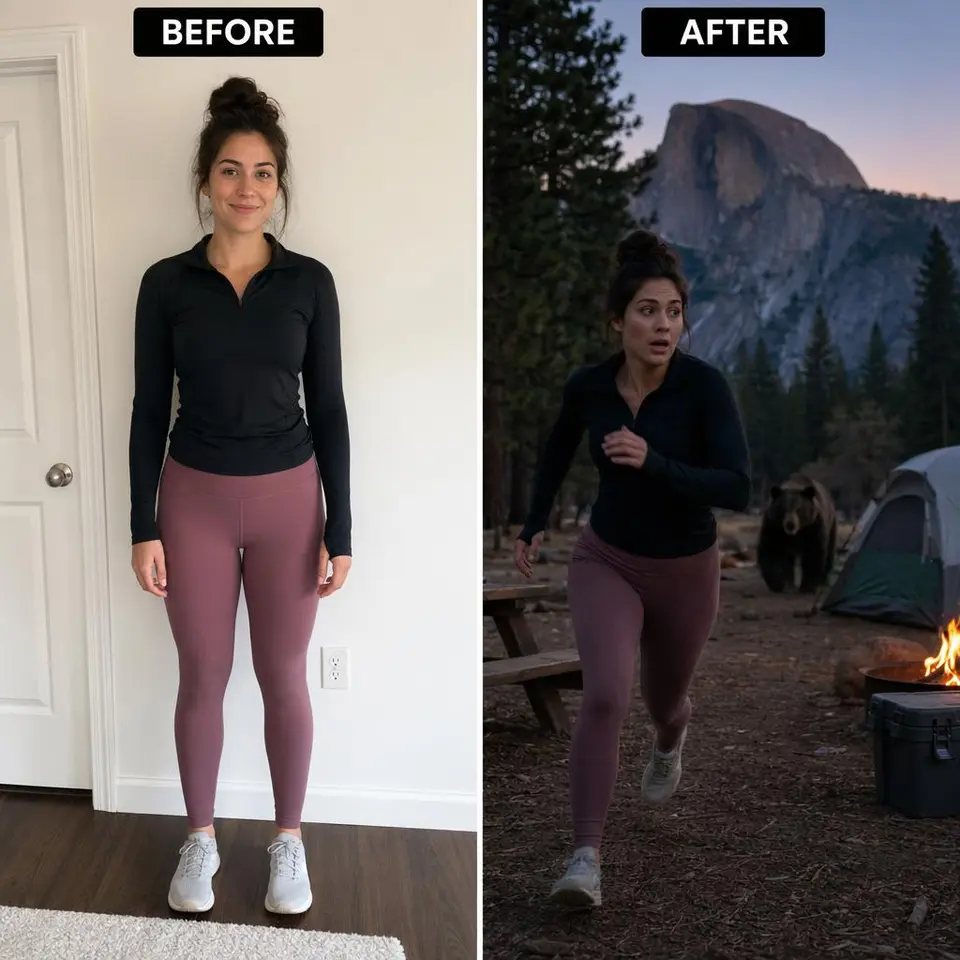
GPT Image 2 person into scene campsite example
Person Into Scene Campsite
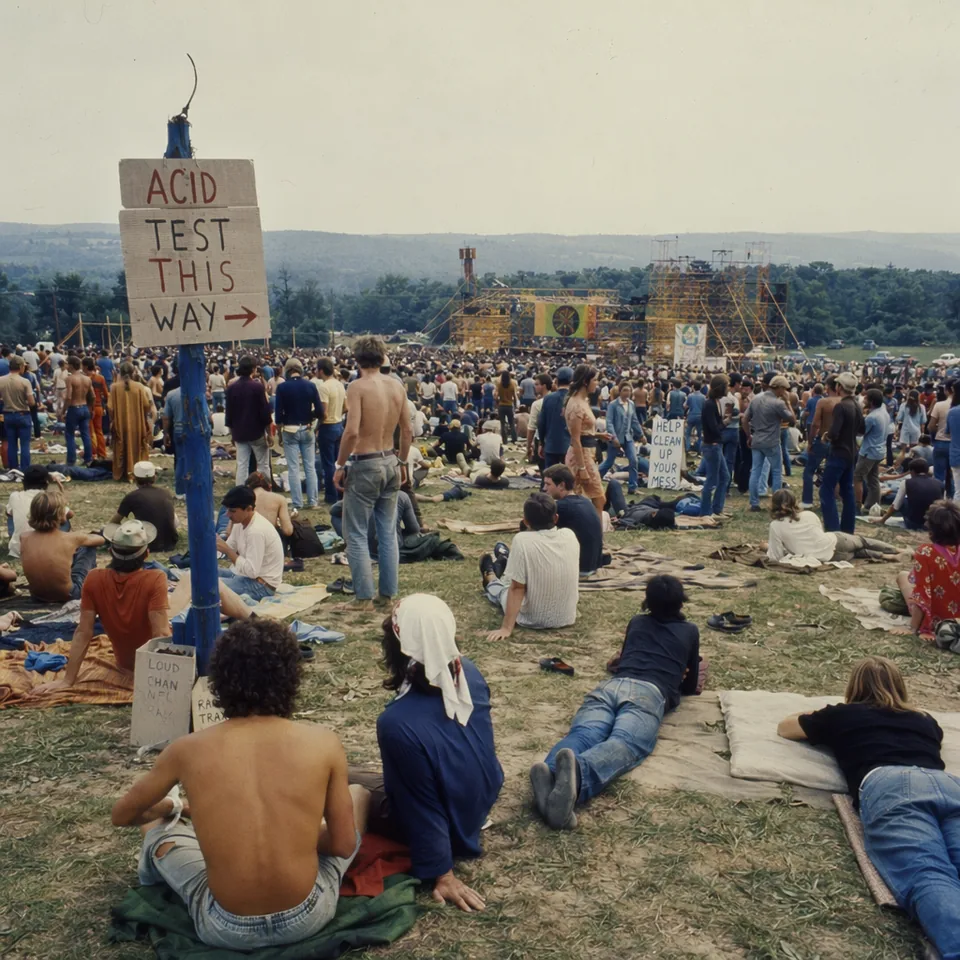
GPT Image 2 historical bethel 1969 example
Historical Bethel 1969
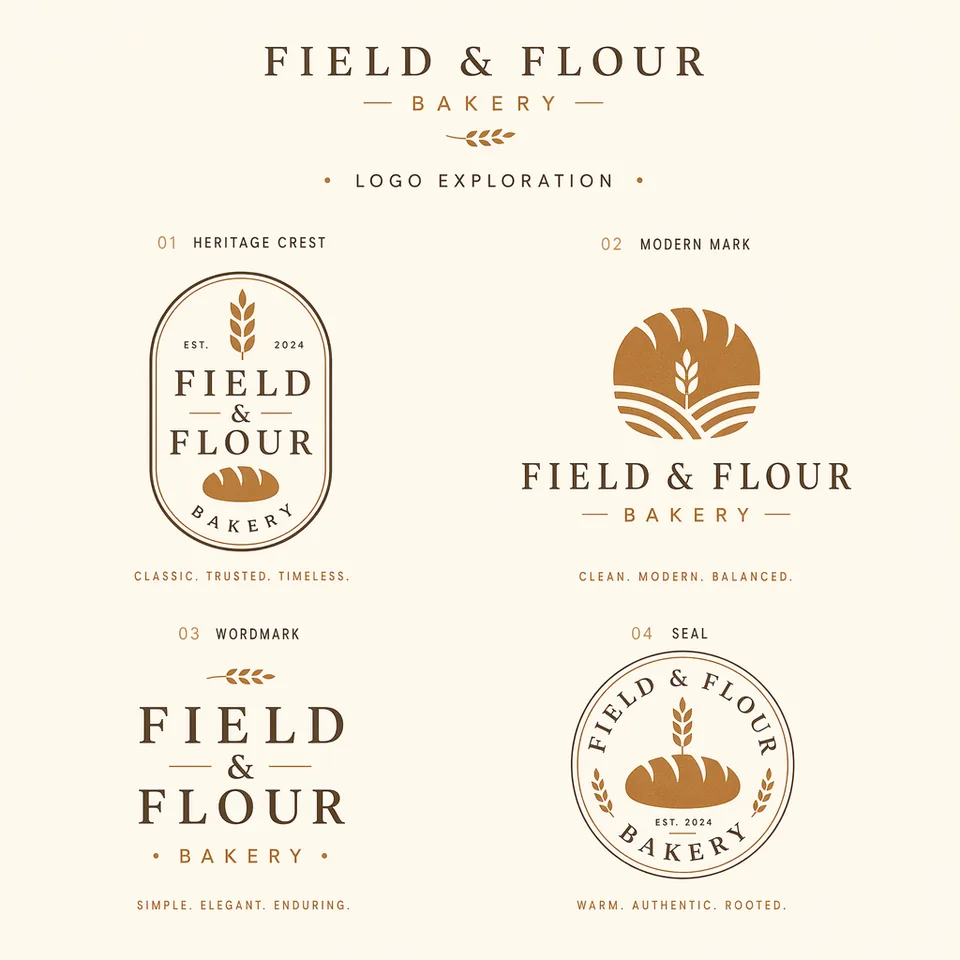
GPT Image 2 logo exploration field flour example
Logo Exploration Field Flour
GPT Image 2 image translation localization example
Image Translation Localization
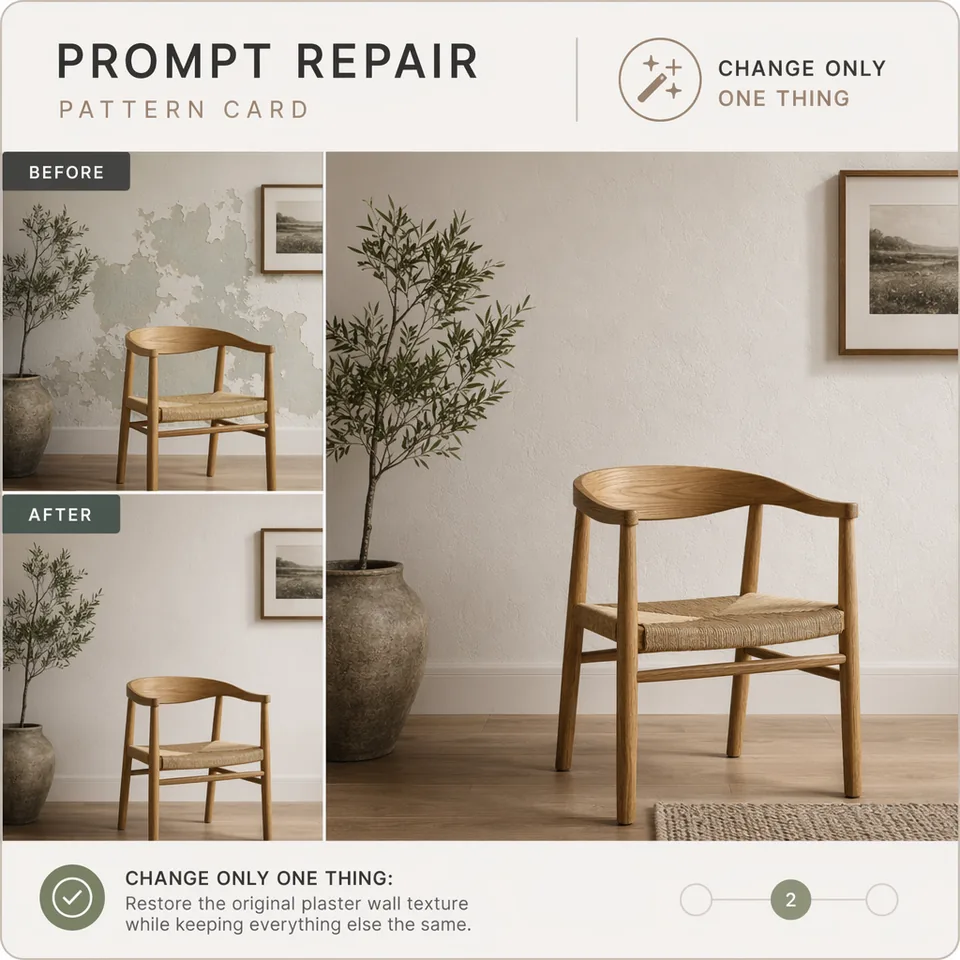
GPT Image 2 prompt repair pattern example
Prompt Repair Pattern
Clear answers

GPT Image 2 FAQ

What does GPT Image 2 do?

Explore prompt patterns for readable text, reference composition, product work, controlled edits, consistent characters, and visual communication. The available controls come from the currently selected GizAI model.

Can I try it without signing up?

Some models include anonymous use. The model card shows whether sign-in, a plan, or usage-based credit is required before you run it.

Which inputs and limits are supported?

They vary by model. GizAI shows the live input fields, formats, limits, and usage basis for the model you select.

Continue in GizAI

Create with GPT Image 2

Your prompt, selected model, files, and results stay in the same product workspace.

Create with GPT Image 2